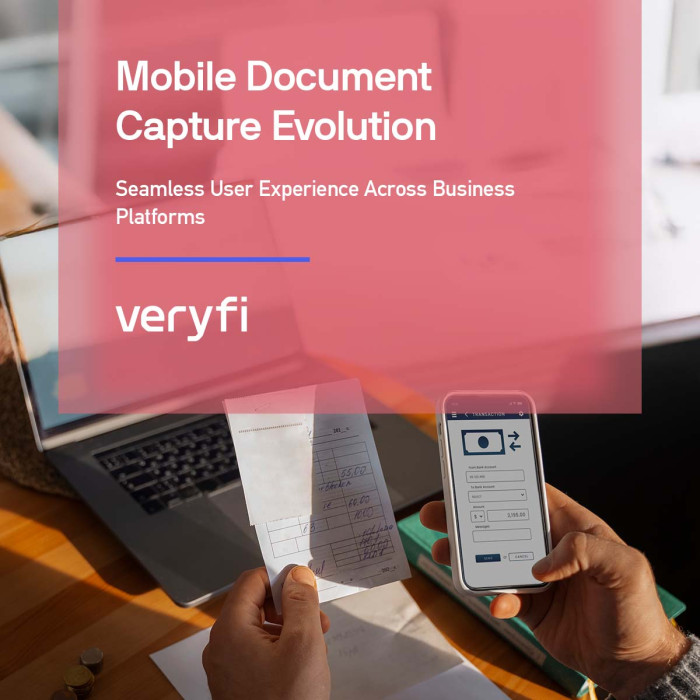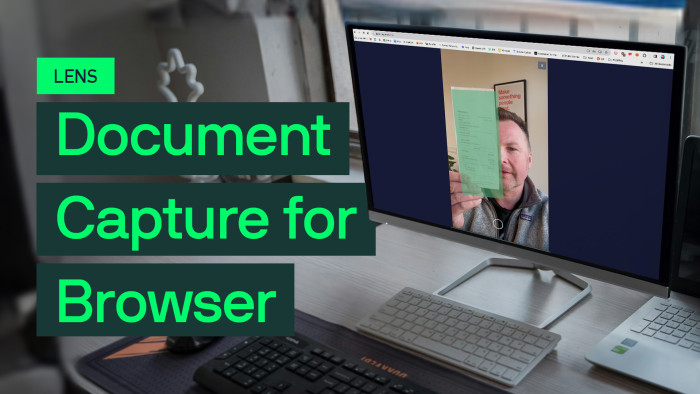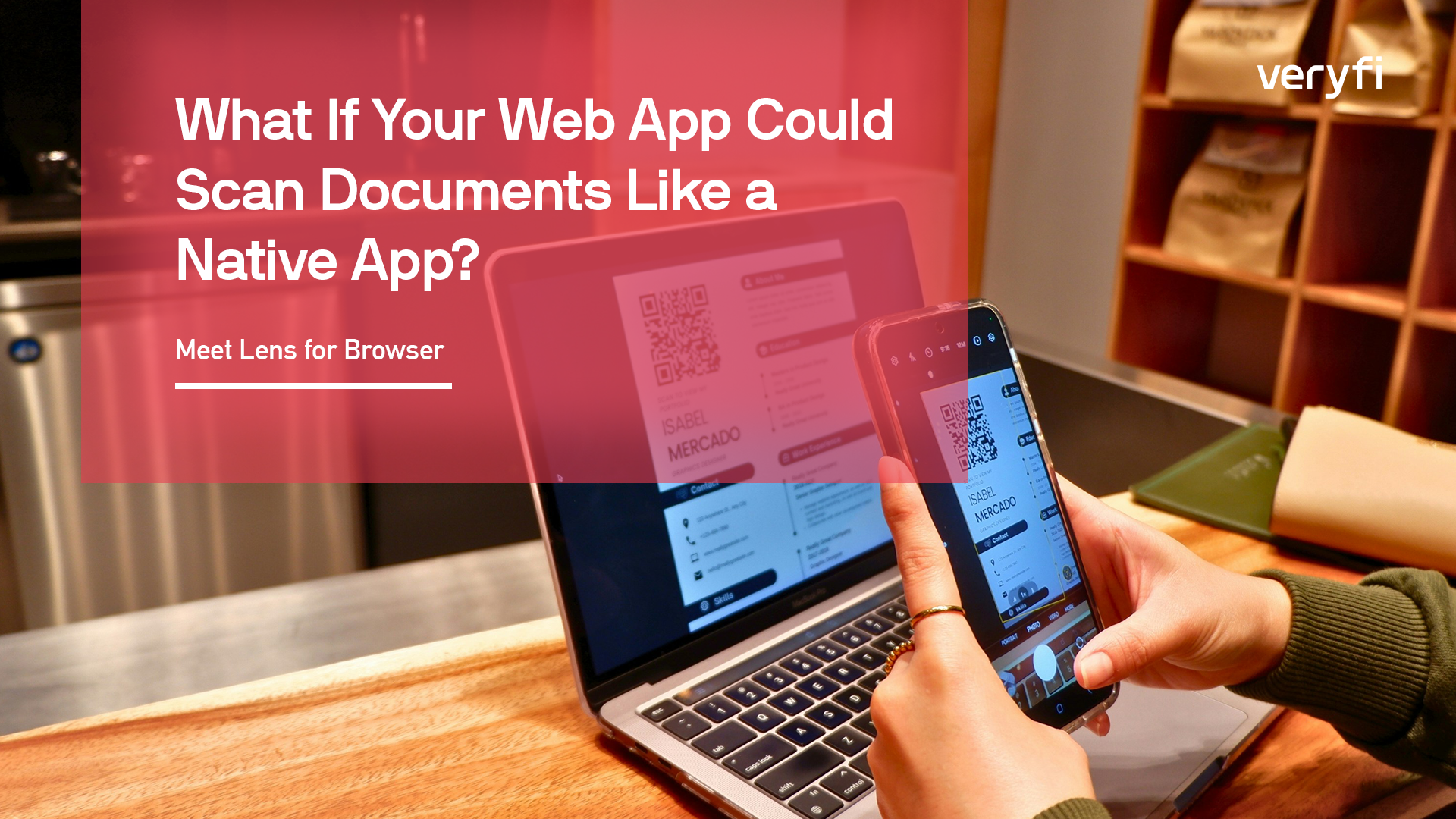





Capturing documents in a web app has always meant a compromise. You either give users a file upload and hope they send something usable, or you build a native mobile app — with all the cost, friction, and maintenance that comes with it.
File uploads produce blurry, poorly cropped images that downstream OCR struggles with. Native apps mean app store reviews, separate codebases, and the single biggest conversion killer in software: asking someone to install something.
Lens for Browser (LFB) v3 eliminates that tradeoff. It’s a JavaScript SDK that turns any modern browser into a full document scanner — real-time document detection, automatic capture, blur analysis, screen fraud detection, and on-device processing, all running client-side via WebAssembly. No plugins, no native dependencies, no special server configuration.
Everything stays on the device — by design.
Document detection, blur analysis, card OCR, classification — all of it runs locally in the browser via WebAssembly. No document data is transmitted to a server during capture. For teams building in fintech, healthcare, insurance, or any compliance-sensitive environment, that’s not a nice-to-have. It’s a requirement. Lens for Browser v3 is built for that world.
What changed from v2
v2 worked, but integration was painful. You had to copy WASM files into your public directory, configure strict CORS headers, and wire up build tooling just to get started. The bundle was heavy.
v3 is a ground-up rewrite focused on three things:
Dead-simple installation. No more copying WASM binaries. No more CORS headers. The SDK loads its WebAssembly models from Veryfi’s CDN at runtime. Setup is one command:
npm install veryfi-lens-wasm
That’s it.
Dramatically smaller bundle. We overhauled the packaging and model-loading architecture. The result is a significant reduction in bundle size — less to download, faster to initialize.
New capture capabilities. v3 ships with new capture flavors and smarter automation.
New in v3
Auto-capture. For Receipts & Invoices, and Anydocs flavors, the SDK can now trigger the shutter automatically when it detects a stable, well-framed document — no button press needed. Users just point and the SDK handles the rest: edge detection, perspective correction, crop, and blur check.
AnyDocs flavor. A Swiss Army knife mode for insurance cards, IDs, multi-page forms, and any document that doesn’t fit neatly into another category. Supports multi-page capture sessions, flip prompts for two-sided documents, auto-capture, and packages results for submission.
Improved Blur and LCD detection. Latest models, optimized for browsers.
All capture flavors
Every document type has different physical characteristics and capture challenges. Rather than building a generic camera, v3 provides purpose-built experiences:
- document — Receipts & invoices. Real-time document detection, perspective correction, and optional auto-capture.
- long_document — For receipts that don’t fit in a single frame. Pan the camera top to bottom; the SDK stitches frames in real-time.
- checks — Front and back capture with guide overlays and side detection.
- credit_card — On-device OCR reads card number, name, expiry, and CVV entirely in the browser. Nothing leaves the device.
- anydocs — Multi-purpose document capture for anything else.
- upload — Drag-and-drop file picker with post-upload crop.
- caps and code_strips — Bottle cap codes and strip codes.
Everything runs client-side
Document detection, blur detection, LCD detection, check front/back classification — all of it happens on device. Users get immediate feedback. You receive clean, validated, properly cropped images instead of raw camera dumps. And your users’ sensitive documents never touch your servers during capture — keeping you on the right side of GDPR, HIPAA, PCI-DSS, and whatever compliance framework your customers are asking about.
→ npm package
→ Try Now
– George Rykunov
Author Bio: George develops Lens for Browser and Appsmith internal tools end to end. He is also working on Workflows Studio product’s frontend.