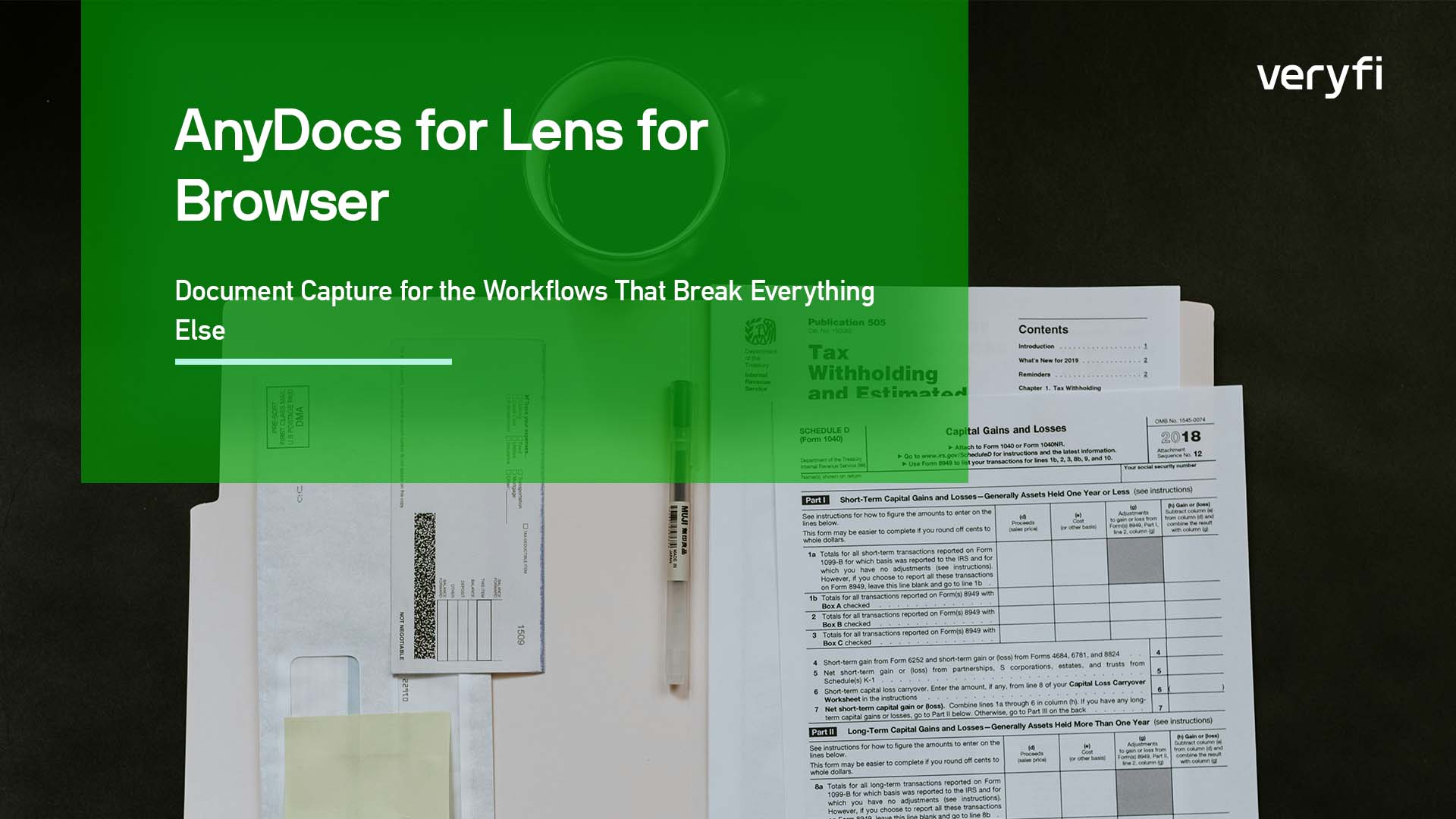





Insurance onboarding. Identity verification. Multi-page forms. These workflows have one thing in common: they’re a nightmare to capture reliably in a browser. Users submit blurry photos taken while walking. They photograph their screen instead of the actual document. They crop out half the card. And every bad capture that reaches your backend means failed extraction, manual review, and an automation pipeline that isn’t actually automating anything.
AnyDocs is built for exactly this. It’s a Lens for Browser flavor purpose-built for blueprint-driven document capture — with one-line installation and minimal integration code. If you’re building document capture for insurance cards, driver’s licenses, tax forms, or any structured document in insurance, healthcare, fintech KYC, or HR onboarding, AnyDocs is the flavor for the job. Multi-page support is there when you need it, but the core value is reliable capture with built-in quality enforcement and extraction tailored to the document type.
The SDK handles the hard parts: real-time document detection, perspective correction, quality enforcement, flip prompts, page management, and automatic ZIP packaging for multi-page submissions. You configure the behavior you want. AnyDocs manages the rest.
Hands-Free Capture That Just Works
The most compelling thing AnyDocs can do is capture documents without the user pressing a button at all. Enable auto-capture and the SDK monitors the camera feed continuously, evaluating frame stability, detection confidence, and framing quality. When it detects a stable, well-framed document, capture fires automatically.
{

lensFlavor: "anydocs",

autoDocumentCapture: true,

anydocMaxPages: 2,

anydocShowFlipMessage: true,

}
Progress events fire through onUpdate so you can show a visual indicator of how close the user is to a successful capture. Combine this with enforced quality checks and you get a fully guided, hands-free experience where the user just needs to hold the document steady.
No tap targets to miss. No shutter timing to get wrong. The SDK watches, waits, and captures when the frame is right.
Blueprints: Telling the SDK What to Extract
AnyDocs supports blueprints — predefined templates that tell Veryfi what type of document the user is scanning and what fields to pull from it. A blueprint for a US health insurance card knows to look for member ID, group number, plan name, and copay amounts. A blueprint for a driver’s license knows about name, address, date of birth, and license number.
When you know the document type in advance — say, an insurance onboarding flow where the user is always scanning their health card — hardcode the blueprint:
{

lensFlavor: "anydocs",

selectedBlueprint: "us_health_insurance_card",

anydocMaxPages: 2,

anydocShowFlipMessage: true,

}
If your application handles multiple document types, let the user choose instead. Enable the blueprints modal and the SDK fetches available templates from the API and presents a selection screen before capture begins:
{

lensFlavor: "anydocs",

enableBlueprintsModal: true,

}
The distinction matters architecturally. Pre-selecting a blueprint means you control the extraction schema and can validate the response against known fields. Letting the user choose gives you flexibility but requires your backend to handle variable response structures. Blueprint selection events flow through onUpdate either way, so you always know what was picked.
Quality Gates That Actually Prevent Bad Submissions
Bad input means bad extraction. Bad extraction means manual review. Manual review means the automation you built isn’t actually automating anything. This is the central problem of document capture, and it’s where most browser-based solutions fall apart. They capture whatever the user gives them and hope for the best.
AnyDocs runs quality checks client-side, before submission, and gives you control over how strictly to enforce them:
Blur detection computes a variance-based blur score on the cropped image. You set the threshold. When a capture falls below it, the user sees a modal. In advisory mode, they can submit anyway — useful when you’d rather have a mediocre image than no image. In enforcement mode, they must retake. No option to proceed with a blurry capture.
Document detection verifies that the SDK actually found a document in the frame. Without this, users can accidentally submit photos of their desk, their hand, or nothing at all.
LCD/screen detection checks whether someone photographed a screen rather than a physical document. This is a real and common fraud vector — and one that matters enormously for compliance-conscious teams in insurance and financial services.
Each gate is independently configurable. Enable the ones relevant to your use case, set enforcement levels per check, and adjust thresholds to balance strictness against user friction. The goal is simple: nothing reaches your extraction pipeline unless it’s actually extractable.
How the Capture Flow Works
Under the hood, AnyDocs follows a predictable sequence: the user frames the document, the SDK detects and crops it with perspective correction, quality checks run against the cropped image, an optional flip prompt asks for the other side, and additional pages can be captured up to your configured maximum. Single-page captures submit the image directly; multi-page captures are automatically packaged as a ZIP file and sent to Veryfi’s API for extraction — or to your own backend if you’ve set a custom submit handler.
Every step fires granular status events (capture_started, processing_completed, blueprint_selected, autocapture_done) so you can build progress indicators, logging, or conditional logic around the capture lifecycle. For the full step-by-step breakdown, see the LFB SDK documentation.
Start Building
AnyDocs is available now in Lens for Browser. Install the package, drop in your configuration, and you’re capturing documents with quality enforcement, blueprint-driven extraction, and auto-capture — all running client-side in the browser.
→ Try Now
If bad captures are breaking your automation or you’re tired of building document capture UI from scratch, this is the shortcut.
– George Rykunov
Author Bio: George develops Lens for Browser and Appsmith internal tools end to end. He is also working on Workflows Studio product’s frontend.