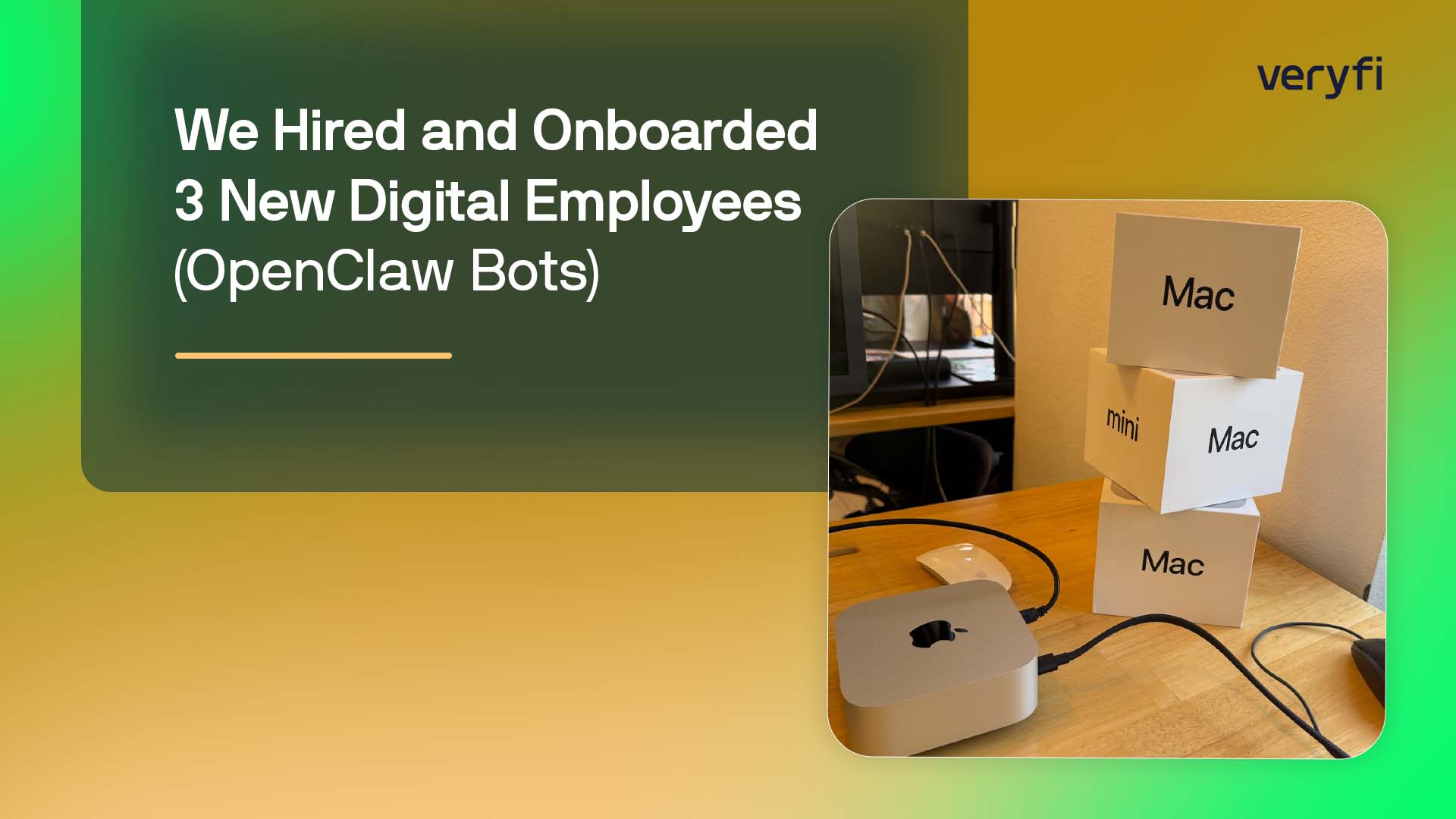





Onboarding took less than a day. One week later… their performance is exceeding expectations.
Last week we did a thing that sounds like a joke until you realize it’s not.
We “hired” three new employees.
Not contractors. Not “AI helpers.” We actually treat them like interns that joined the team – except these interns can read faster than any human, don’t get bored doing repetitive work, and don’t mysteriously disappear when you ask them to “pull context from five places and summarize it.”
We rolled out one bot per team: Marketing, Sales, and Customer Support.
And I’m honestly surprised by how quickly it clicked.
The whole setup – from “nothing exists” to “they’re already useful” – took less than one day.
A week later: they’re not just helping… they’re catching things we’d miss and saving people real time every single day.
The big mental shift for us was: don’t treat these like chatbots you “use.” Treat them like new teammates you onboard.
So we did the stuff you’d do for any new hire:
- gave them a role
- gave them goals
- gave them a place to work (Slack)
- gave them access to the resources they need (and only those resources)
- and gave them rules, boundaries, and guardrails so they don’t do anything dumb
The “intern” model (aka: the internet intern)
This is how we explain it internally:
Each bot is the team’s internet intern.
They do the boring parts that humans shouldn’t waste energy on:
- digging through logs
- pulling context across tools
- summarizing patterns
- writing draft notes
- flagging issues early
- helping you prep for calls
- catching repeated “paper cuts” before they become bigger problems
They don’t replace judgment. They reduce the cost of getting to judgment.
How we set them up (in a way that actually works)
Each bot has its own name and personality and we’re weirdly serious about this.
We keep a SOUL.md file for each one – basically:
“This is who you are, how you communicate, what you’re optimizing for, what you are NOT allowed to do.”
Not because we want “cute bots.” Because clarity matters. If you want consistent output, you need consistent intent.
Same thing with skills. For each skill the bot can use, there’s a Skill.md file that spells out what the skill does, how to use it, what “good” looks like, and what it should refuse to do. That part ended up being huge. It keeps the bot from improvising workflows.
Veryfi doesn’t send any of this data to OpenAI, Gemini, or other third-party LLM providers. All of the processing happens on infrastructure we control – self-hosted in our Santa Clara data center – so the raw data stays inside our own environment end-to-end.
We also gave each bot:
- a fresh Gmail account (not under our company domain)
Mainly so we can share Google Docs/Sheets with it without mixing it into corporate identity and permissions. - a dedicated Slack channel where all communication happens
This wasn’t just for convenience – it’s part of the security model. More on that in a second. - access to a shared space on a local NAS, which is where we keep shared context (including vector DBs they build/update). All bots can read that shared knowledge.
Security guardrails (this is the part people always ask about)
If you’re going to give “digital employees” access to company context, you have to assume one thing:
If you don’t put boundaries in place, you will accidentally create an extremely efficient way to do something extremely stupid.
So we went heavy on guardrails from day one.
Some examples:
- Network-level restrictions: each bot runs in a locked-down environment behind a firewall with tight controls on what it can access – what websites, what IPs, what services. It’s basically “allow-list by default.”
Minimal permissions: the bots have almost no write access anywhere.
Read-only is the default. The only places they can reliably “write” are:- their own Slack channel
- their own scoped directories in the NAS
- and very specific tools where writes are controlled and auditable
- No direct access to production systems (for now).
They can analyze data and propose actions, but they can’t go change things without a human in the loop. - Everything in the open: all primary bot communication happens inside the team channel.
This sounds like a culture thing, but it’s also a control mechanism: visibility prevents weirdness.
Tight tool boundaries: each bot has only the tools it needs for its job.
The marketing bot shouldn’t have access to support tickets. The support bot shouldn’t poke around sales pipelines. You get the idea.
We’re basically building them like you’d build a junior employee with limited access:
- “Here’s what you’re responsible for.”
“Here’s the data you’re allowed to touch.” - “Here’s how you communicate.”
- “Here’s what you cannot do.”
- “If it’s unclear, ask.”
The daily rhythm (and why it works so well)
Two things made this feel real: standup and reporting.
Every morning, the bots do a standup and post:
- what happened yesterday
- what they learned
- what matters today
And they do it together, so they cross-pollinate. It’s surprisingly useful when Marketing notices “people drop off on step X,” and Support says “yep, that’s exactly where tickets spike,” and Sales says “and that’s the objection we keep hearing.”
Then each bot posts a daily report:
- Top 3 issues / priorities
- Wins
- Learnings
The effect is subtle but real: humans start their day with the “state of the world” already summarized.
Less hunting, fewer meetings, faster decisions.
What they’re doing in week #1
Sales bot
Every night it pulls data from:
- Gong (call recordings + summaries)
- Salesforce
- Meticulate
- internal Slack communications
Then it updates the shared vector DB on the NAS, which all bots can use. Think of it like nightly memory consolidation.
This flipped our workflow on its head. Old school is: filter, search, click, open 12 tabs, forget why you started. New school is: just talk to your data. You ask in Slack – “what do we know about this lead?” “how did they find us?” “have we talked to this company before?”—and you get the story back, not a dashboard scavenger hunt. Meeting prep becomes a quick chat instead of a mini project.
The most practical use case so far: AEs can DM it before a call and ask:
The most practical use case so far: AEs DM it before a call and get a clean brief in seconds – how the lead came in (search/inbound/referral), what keywords they used, which pages they hit, what use case they’re likely exploring, and whether we’ve had any prior comms with the company. After the meeting, they can ask for a recap, suggested follow-up, next steps, and even “who else at this company should we be talking to?”
It’s like giving each AE a research assistant that actually reads everything.
Marketing bot
Every morning it looks at:
- trending keywords
- trending topics
- Google Analytics and traffic sources
Then it comes back with:
- what we should write about (and why now)
- campaign insights (Google Ads costs + suggested changes)
- SEO/GEO audits + suggestions (next step: WordPress access so it can prep changes as drafts)
- social listening: LinkedIn, X, Reddit, etc. for “signals” that someone is shopping for something like Veryfi
- funnel drop-off analysis: where leads are bailing and what we should fix (landing pages, messaging, onboarding, product friction)
This bot is like having a marketing analyst who never gets tired of investigating “why did traffic spike here but conversions didn’t?”
Support bot
Every night it pulls from:
Then it:
- updates the shared vector DB
- analyzes soft signals (tone, urgency, complaints, confusion)
- analyzes hard signals (usage changes, latency, error patterns)
- alerts the channel if something looks urgent
- helps prep for QBRs and customer calls by pulling usage + latency + patterns
- and if it sees repeated issues, it suggests a Jira ticket – with details + steps to reproduce
This one has been especially valuable because it catches patterns before humans connect the dots. Humans see tickets one at a time. The bot sees the whole shape.
The most interesting outcome so far
It’s not “wow, bots can do tasks.”
It’s that humans stop paying the “context tax.”
You know that feeling where you spend 45 minutes gathering info before you can even start the real work?
The bots wipe out a big chunk of that.
And because their work shows up in Slack – clearly, daily, and in the open – the team actually uses it. Nobody has to remember to go check “some dashboard.”
Week #1 was just the warmup
This is after week one, and it already feels like we’ve added three helpful interns to the company.
Next week’s goal is to go more granular:
a specialized bot for every team in Veryfi.
Not generic “AI assistants.” Real scoped digital employees with:
- a defined job
- documented skills
- strict permissions
- clear communication patterns
- and guardrails that make the whole thing safe to operate
Because once you’ve had even one of these… it gets hard to imagine going back.